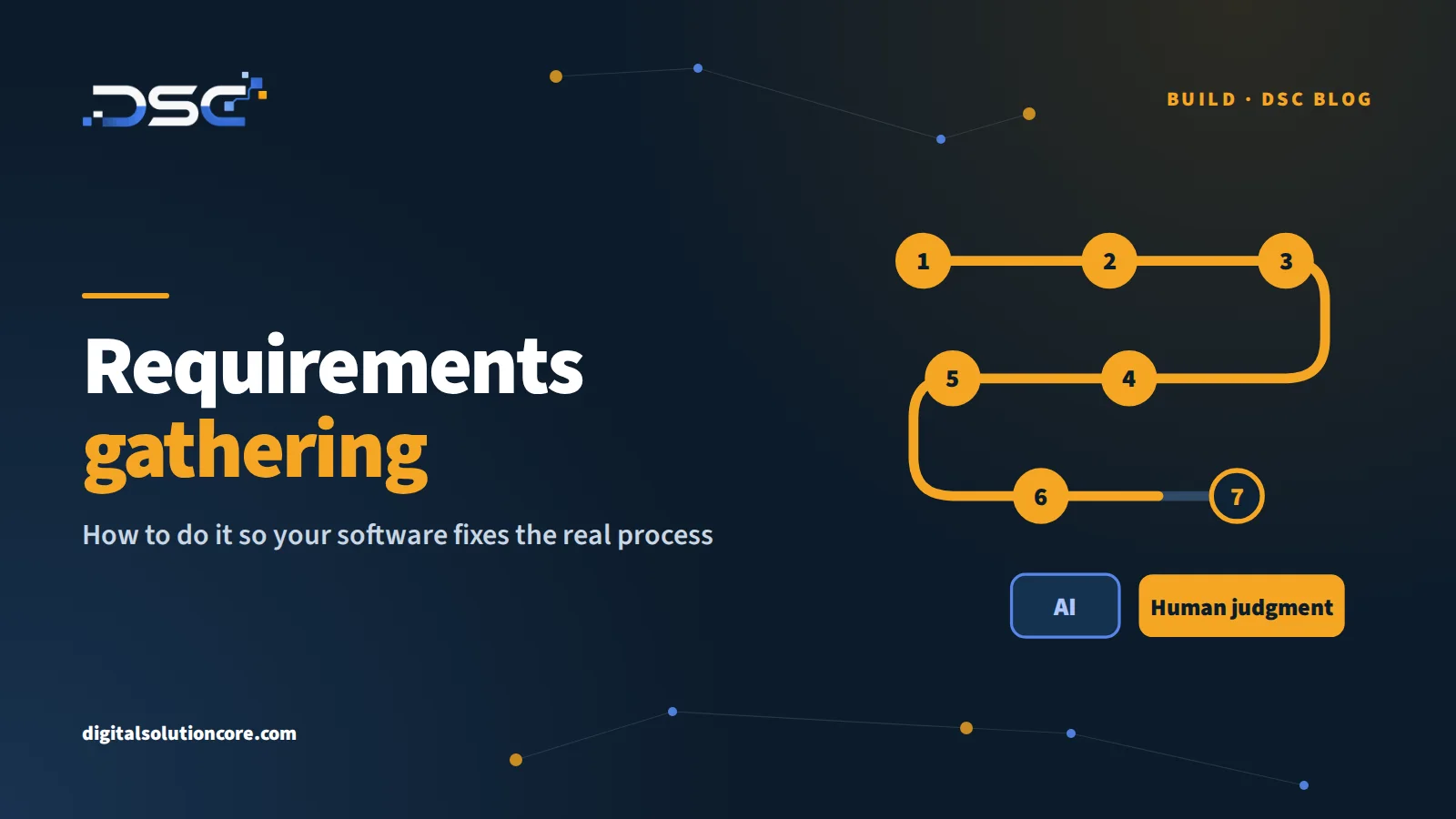
Requirements gathering: how to do it so your software fixes the real process
What requirements gathering is, a step-by-step requirements gathering process, the techniques and questions to use with non-technical stakeholders, what the document should include, and what AI changes (and what it does not).
In the software projects I've led, most of the problems didn't show up during coding. They showed up much earlier, in that first conversation where someone said "we need a system for..." and nobody asked enough questions. Requirements gathering is that moment, and today it has a new ingredient: AI can already transcribe interviews and draft requirements in minutes, which makes it very tempting to skip the part where you actually understand the business.
In this article I'll walk you through what requirements gathering is, a step-by-step requirements gathering process, the techniques and questions to use (including with non-technical stakeholders), what the document should include and what AI changes.
What is requirements gathering?
Requirements gathering (you'll also see it called requirements elicitation) is the work of discovering and writing down what a piece of software has to do to solve a specific problem in your operation. Good software requirements gathering answers how the process works today, what needs to happen differently once the system exists and how you'll know it worked.
Requirements usually fall into two groups. Functional requirements describe what the system does: log an order, approve a purchase, notify a customer. Non-functional requirements describe how it does it: who can see what, how many people use it at the same time, on which devices and which other systems it has to connect to.
Why requirements gathering decides whether the software works
A mistake in requirements is the most expensive mistake in the whole project, because everything that comes after is built on top of it. If the requirement says "the system must generate the invoice" and nobody asked about the exception a good share of invoices have, the one someone handles by hand today, the software ships, passes testing and the operation still runs the same way (or worse, with a new manual workaround to fix what the system gets wrong).
That's why, in my experience, requirements gathering goes beyond writing down what the client asks for: you have to understand the process well enough to improve it before you automate it, or the software ends up automating the mess.
The requirements gathering process, step by step
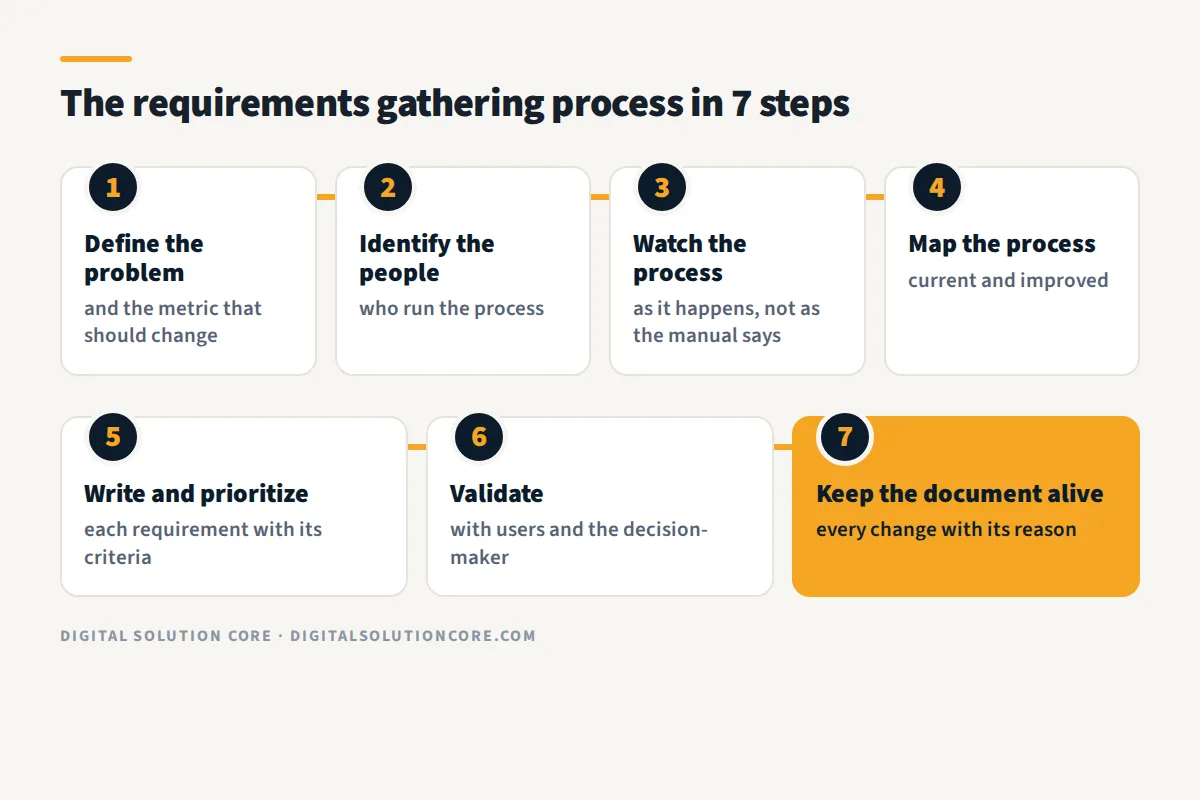
- Define the problem and how you'll measure it. Before talking about screens, write down what's happening today and which metric should change: customer response time, order errors, hours lost to rework. If nobody can say what should improve, it's not time to ask for software yet.
- Identify the people who run the process. Besides the manager asking for the system, talk to whoever enters the data, whoever approves and whoever receives the output. It's common for the person requesting the software to be the one who will use it least.
- Watch the process as it happens, not as it's written in the manual. Sit with people while they work and ask them to show you the spreadsheet, the email thread or the chat where the day-to-day really gets done.
- Map the current process and the improved one. A simple diagram with the steps, who owns each one and where information sits waiting. This is where you find the steps that don't need to exist and the approvals nobody remembers the reason for.
- Write the requirements and prioritize them. Each requirement gets acceptance criteria so you know when it's met, and you separate what the first release can't live without from what can wait.
- Validate with users and with the decision-maker. Send the document back to the same people you interviewed and ask them to correct it; changing a line in a document is far cheaper than changing a screen that's already built.
- Keep the document alive. Requirements change during the project, and what matters is that every change is logged with its reason and who approved it.
This is the first step of every custom software development project we take on at DSC; if you'd like to see how we work it, we explain it under software consulting before we build.
Requirements gathering techniques
No single technique beats the others; you combine them depending on the process and the people. The ones I use most:
- One-on-one interviews with open-ended questions. They're the foundation, although people tend to describe the process the way they think it works, not always the way it does.
- Observation (job shadowing): watching someone do the work. It's the technique with the most surprises, because that's where the shortcuts, the side spreadsheets and the "oh, I do that part by hand" show up.
- Workshops with every team that touches the process in the same room. They help settle conflicts (sales promises something operations can't deliver) and agree on priorities.
- Document and data analysis: forms, reports, template emails and exports from the current system. Real data reveals the edge cases nobody mentions in an interview.
- Prototypes, even paper sketches. When people see something concrete, they correct far more than when they read a document.
- Surveys, when you have many users across several locations, as a complement and never as the only source.
Requirements gathering questions to ask
These are questions I use often, phrased in the language of the operation rather than the language of IT:
- What's the first thing you do when an order, a request or a case comes in?
- Where do you get the information you need to do it?
- What part of your work happens outside the system, in spreadsheets, emails or messages?
- What happens when something doesn't go the normal way? Who handles it, and how?
- Where does the work sit waiting, and who is it waiting on?
- Which mistake happens most often, and how much work does it take to fix?
- Who needs to see the output of your work, and what decision do they use it for?
- If the process worked perfectly tomorrow, what would you notice?
Question four is worth the most. The normal case is almost always clear; what breaks software is the exceptions nobody wrote down because "that rarely happens."
Gathering requirements from non-technical stakeholders
The people who know the process best are rarely technical, and they don't need to be. A few things that have worked for me:
- Talk about their work, not about the system. Instead of "what fields does the form need?", ask "what information do you ask the customer for, and what do you use it for later?".
- Ask for real examples: the last difficult order, the last complaint, last month's report.
- Show instead of describe. A sketch or a simple prototype lets them say "no, not like that" much faster than a twenty-page document.
- At the end of the interview, play back what you understood in their own words and let them correct you.
- Don't ask them to design the solution. They know the problem better than anyone; figuring out how to solve it is the job of the team that builds.
What a requirements document should include
You don't need a fifty-page business requirements document (BRD). A useful requirements gathering template fits in a few pages if it covers the essentials:
- The goal and the metric that should improve.
- The people and roles who use the system, and what each one can do.
- The current process and the improved process, in a simple diagram.
- Functional requirements, each with its acceptance criteria (how you prove it's done).
- Non-functional requirements: security, access, usage volume, devices.
- Integrations with other systems and what data flows each way.
- What's out of scope for this release, stated explicitly.
- The decisions made and who approved them.
The out-of-scope list looks like a minor detail, but it heads off a good share of the arguments at the end of a project.
What AI changed (and what it didn't)
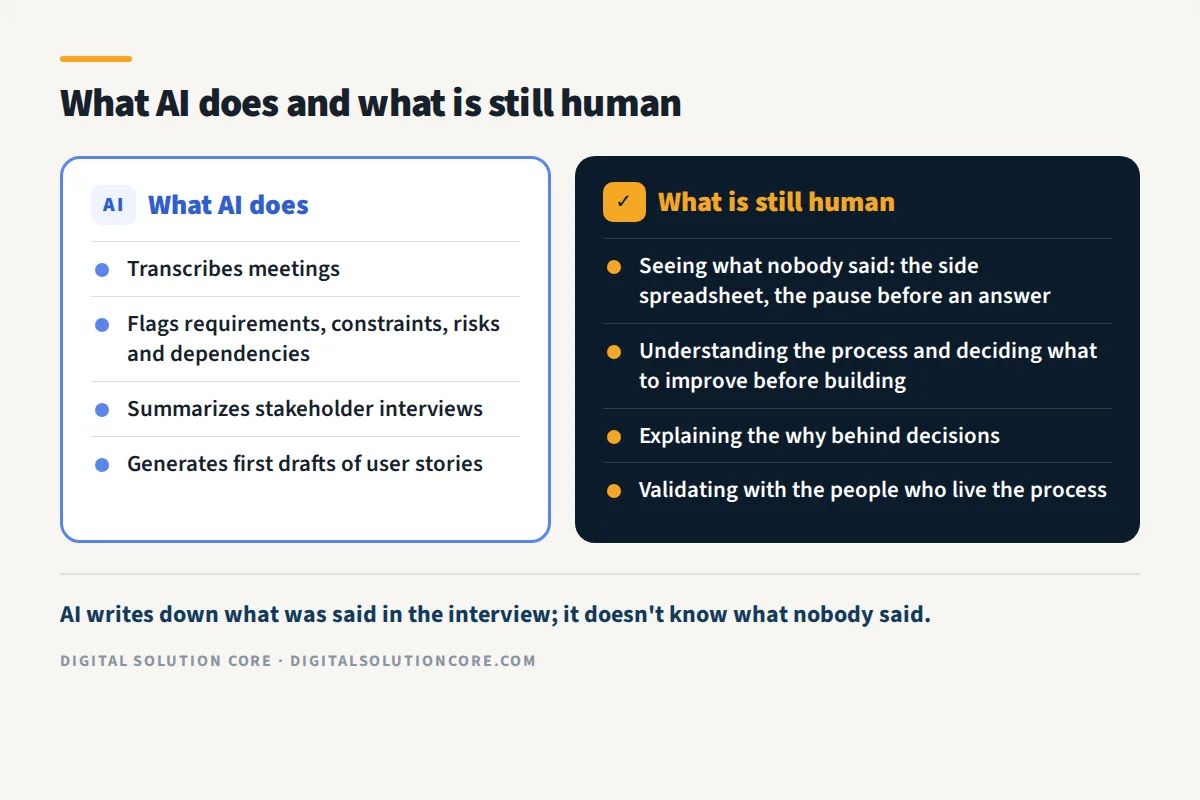
There's one part of requirements gathering that AI really did change. A CIO article from August 7, 2026, on how the business analyst role is evolving, describes tools that already transcribe meetings and flag requirements, constraints, risks and dependencies, summarize stakeholder interviews and generate first drafts of user stories. We use them too, and having the interview transcribed with a clean first draft saves hours of manual work.
The same article is clear that the analyst is still accountable for explaining the reasoning behind business decisions and for validating that what AI produces is accurate and aligned with the business strategy. And in Stack Overflow's 2025 Developer Survey, project planning shows up among the tasks with the most resistance to AI: 69% of developers said they don't plan to use it for that.
My take on this moment is that AI is very good at writing down what was said in the interview, but it doesn't know what nobody said. It doesn't see the side spreadsheet, it doesn't notice that someone hesitated before answering and it doesn't catch that two teams describe the same step differently. A well-written draft built on a misunderstood process is riskier than a messy one, because it looks finished and nobody questions it.
That's why the part that matters most today is exactly the part that's hardest to automate: understanding the process, deciding what to improve before you build and validating it with the people who live it. IIBA (the International Institute of Business Analysis), in a January 8, 2026 post, cites its 2025 global report: 76% of practitioners say business analysis is playing a larger role in strategic decision-making in their organizations.
Before you ask for quotes
If you're considering software for your company, solid requirements gathering is what lets you compare quotes for the same scope and, sometimes, find out you don't need to build anything at all. If you're still deciding between building and buying a tool that already exists, I cover how to make that call in the article on custom software vs off-the-shelf.
If you'd like to review your process with us before deciding, you can request a free assessment and we'll look at it together. Which step in your operation gets handled outside the system most often?
Sources
- CIO, Sarah K. White (August 7, 2026): How AI is changing the business analyst role for the better.
- Stack Overflow, 2025 Developer Survey, AI section: survey.stackoverflow.co/2025/ai.
- IIBA, Jared Gorai (January 8, 2026): Top 6 Business Analysis Trends to Monitor in 2026.